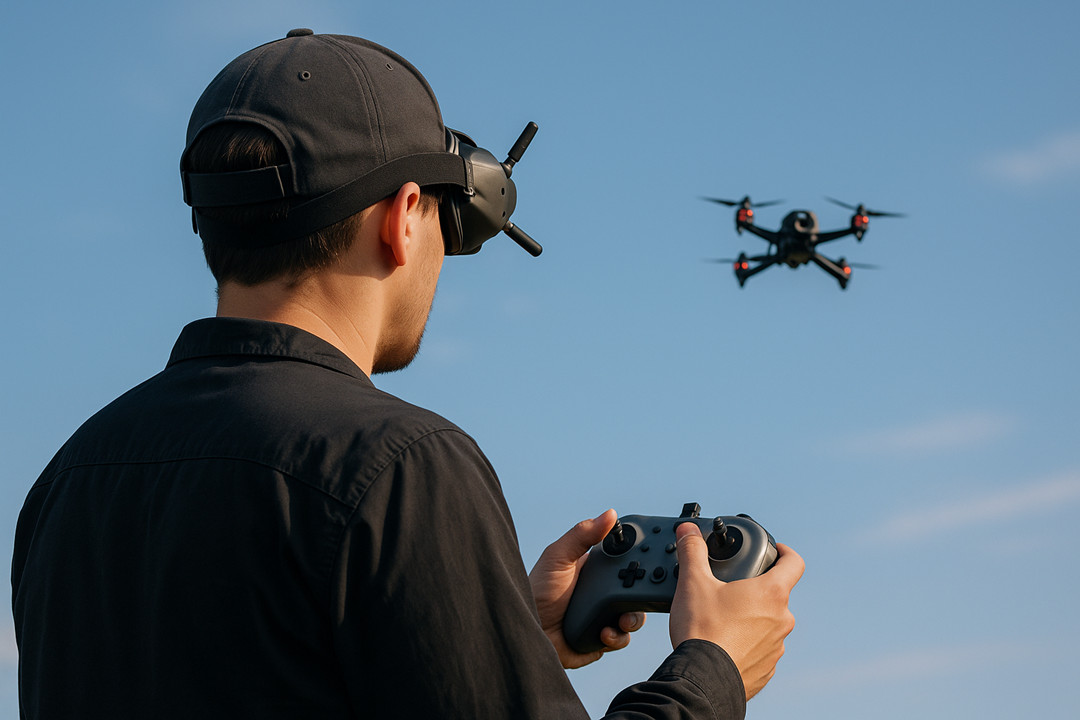
FPV (First Person View) cameras have changed how people experience drones, RC cars, and even robots. They let you see what your machine sees, as if you are sitting in the cockpit. This creates a thrilling, immersive feeling that attracts hobbyists, racers, and professionals.
But how does an FPV camera actually work? What makes it different from a regular camera? Let’s break down the technology, the practical details, and common misunderstandings—so you can confidently use FPV cameras in your next project.
What Is An Fpv Camera?
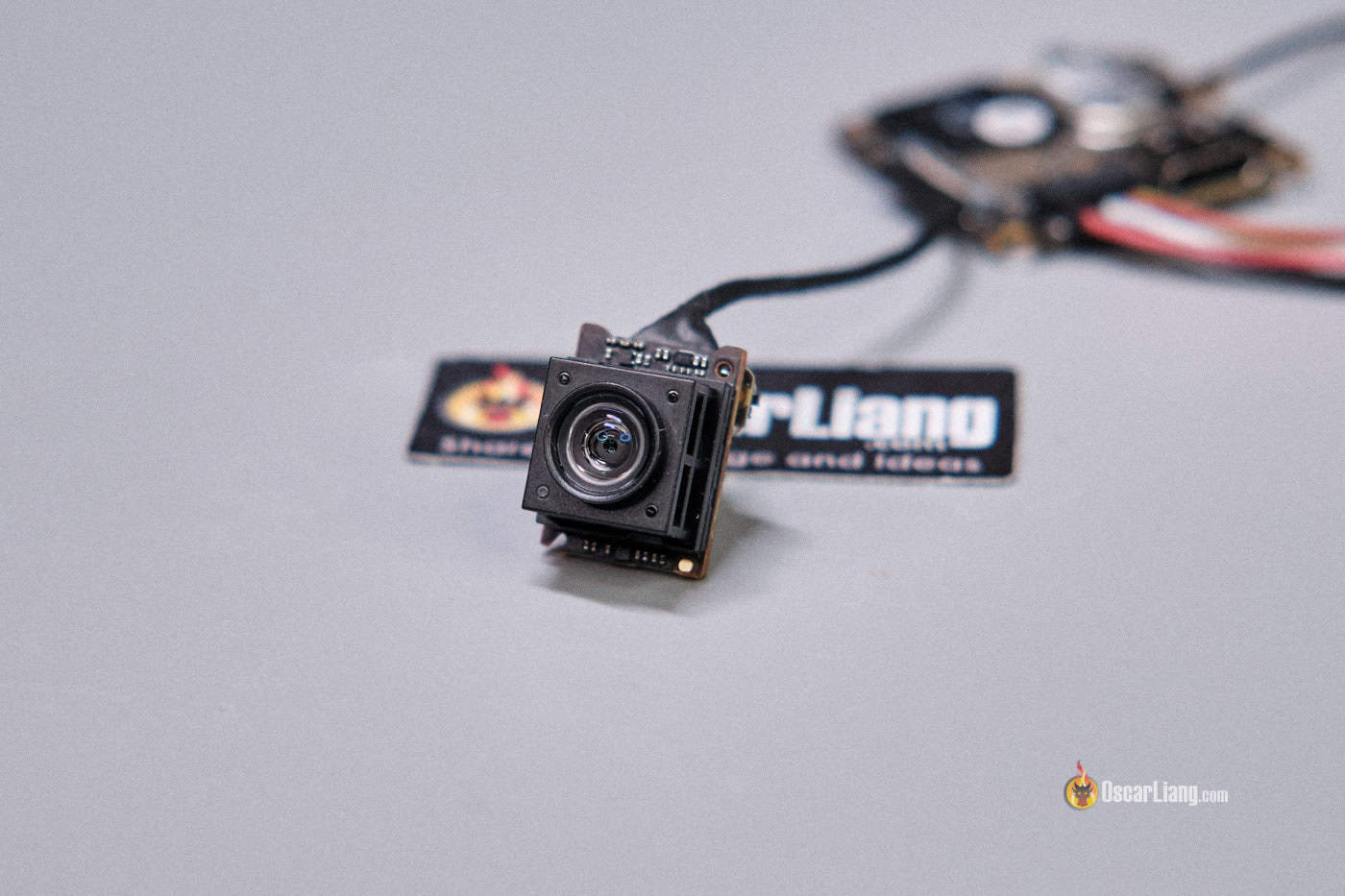
An FPV camera is a small, lightweight device mounted on a drone, RC vehicle, or robot. It captures live video and sends it to a monitor, goggles, or smartphone. The core purpose is to give you a real-time view from the machine’s perspective, allowing you to control it as if you were inside.
Unlike regular action cameras or security cameras, FPV cameras focus on speed, low latency, and durability rather than high-definition quality. This means they prioritize fast transmission and minimal delay, which is crucial for racing or precision flying.
The Core Components Of An Fpv System
To understand how FPV cameras work, you need to know the main parts of a typical FPV setup:
- FPV camera – captures the real-time video
- Video transmitter (VTX) – sends video wirelessly to the receiver
- Antenna – boosts signal quality and range
- Video receiver (VRX) – receives the video signal
- Display device – shows the live feed (FPV goggles or screen)
- Power supply – usually draws from the drone’s battery
Each part plays a specific role. The camera captures images, the transmitter sends them, the receiver collects them, and the display lets you see them.
How These Parts Work Together
Here’s a simple flow:
- The FPV camera records video.
- The video goes to the VTX, which converts it into a radio signal.
- The antenna sends the signal through the air.
- The VRX (on your goggles or monitor) picks up the signal.
- The video is shown instantly, allowing you to control your drone or vehicle.
This process happens fast—often with a delay of less than 20 milliseconds. That’s much quicker than streaming video online, where delays can be several seconds.
Fpv Camera Technology Explained
Image Sensor
The heart of any camera is the image sensor. FPV cameras use either CCD (Charge Coupled Device) or CMOS (Complementary Metal Oxide Semiconductor) sensors. Here’s how they differ:
| Sensor Type | Advantages | Drawbacks |
|---|---|---|
| CCD | Better color accuracy, less distortion | Higher power use, more expensive |
| CMOS | Lower cost, less power use, smaller size | Can have rolling shutter effect |
Most modern FPV cameras use CMOS sensors because they are lighter and cheaper, which matters for drones and racing vehicles.
Lens
The lens affects the field of view (FOV) and image clarity. Common FPV camera lenses have a wide FOV—between 120° and 170°. This lets pilots see more of their surroundings, improving navigation and obstacle avoidance.
Smaller lens sizes (like 2. 1mm) offer wider views but can distort the edges. Larger sizes (like 2. 8mm) give a narrower image but less distortion. You should pick a lens based on your flying style and environment.
Resolution
FPV cameras usually range from 480p (standard definition) to 1080p (high definition). Higher resolution means sharper images but can add transmission delay. Most racing pilots use 720p or lower for faster response.
Latency
Latency is the time it takes for the image to travel from the camera to your eyes. Low latency is essential for fast reactions. FPV systems often achieve latency below 20 ms, while regular cameras can have much higher delays.
Dynamic Range
FPV cameras must handle changing light, from bright sunlight to dark shadows. A camera with high dynamic range can adjust quickly, so you don’t lose sight of obstacles or your path.
Wireless Transmission: The Key To Fpv
FPV cameras don’t just record video—they send it wirelessly to your display. This is where the video transmitter (VTX) and antenna come in.
Frequency Bands
FPV systems mostly use these frequencies:
- 5.8 GHz – most common for drones, offers many channels and less interference
- 2.4 GHz – longer range but more interference (used for control signals)
- 1.3 GHz – long range, but larger antennas and more regulation
- 8 GHz is preferred because the antennas are small, and signal quality is good in open areas.
Analog Vs Digital Transmission
FPV video can be analog or digital. Analog is fast and simple but lower quality. Digital offers HD video but can have more delay and is often costlier.
| Transmission Type | Pros | Cons |
|---|---|---|
| Analog | Low latency, simple setup, cheap | Lower image quality, prone to interference |
| Digital | High-definition, clear image, less interference | Higher latency, expensive, complex |
For racing or freestyle flying, analog is still popular. For cinematic drone work, digital is becoming the norm.
Antenna Types And Placement
Antennas help send and receive signals. Common types include dipole, circular polarized, and patch antennas. Circular polarized antennas reject reflected signals, reducing interference.
Placement matters—a poorly placed antenna can block your signal. Always mount antennas away from metal parts and ensure they are upright for best reception.
Fpv Camera Settings And Adjustments
FPV cameras have settings you can adjust for better performance:
- Brightness – changes how light or dark the image is
- Contrast – makes details stand out
- White balance – corrects color in different lighting
- Sharpness – adds detail, but too much can cause noise
- Exposure – controls how much light the camera uses
You can usually set these using on-screen menus or small buttons. Fine-tuning helps you see better in tricky conditions, like bright sunlight or forest shadows.
Common Mistakes With Fpv Camera Settings
- Setting brightness too high can wash out details.
- Too much sharpness creates digital noise, making it harder to see obstacles.
- Incorrect white balance can turn grass purple or sky orange, making navigation confusing.
Always test your settings before a big flight or race.
Fpv Camera Mounting And Orientation
Where and how you mount your FPV camera affects your experience:
- Angle – Most racers mount their cameras upward (20–45°) so they see forward when the drone is tilted.
- Position – Mounting too low can block the view with the drone’s frame.
- Protection – Use small bumpers or covers to protect the camera in crashes.
Some pilots use two cameras—one for FPV, one for recording high-quality video. This way, you get fast response and great footage.

Real-life Fpv Camera Applications
FPV cameras are not just for drone racing. They are used in many fields:
- Aerial photography – for framing shots from above
- Search and rescue – exploring dangerous areas
- Agriculture – monitoring crops
- Inspection – checking power lines, towers, or roofs
- Robotics – remote driving of vehicles in hazardous places
An example: In 2018, a search-and-rescue team used FPV drones to find lost hikers in California. The real-time view helped them navigate dense forest quickly, saving hours compared to ground search.
Fpv Camera Performance: Numbers And Data
For technical users, here are some common specs from popular FPV cameras:
| Camera Model | Resolution | Latency | Field of View | Sensor Type |
|---|---|---|---|---|
| RunCam Racer 2 | 1000TVL (~720p) | 6 ms | 140° | CMOS |
| Foxeer Predator V5 | 1000TVL | 4 ms | 150° | CMOS |
| Caddx Vista (Digital) | 720p | 28 ms | 120° | CMOS |
TVL stands for TV Lines, a measure of analog camera resolution. 1000TVL is similar to 720p.
Advanced Fpv Camera Features
New FPV cameras are adding smart features:
- Wide Dynamic Range (WDR) – handles bright and dark areas together
- Low-light performance – sees well at dusk or indoors
- OSD (On-Screen Display) – shows battery voltage, flight time, or speed
- Remote control – change settings from your transmitter
These features can make flying safer and more fun, but they may add complexity. Beginners should focus on basic models first.
Fpv Camera Vs. Action Camera
Some people confuse FPV cameras with action cameras like GoPro. Here’s how they differ:
- FPV cameras are built for real-time viewing, low latency, and light weight.
- Action cameras focus on high-quality recording, but have more delay and are heavier.
Never use an action camera for FPV flying—it’s too slow and bulky. Use FPV cameras for live control, and action cameras for smooth, high-resolution recording.
Choosing The Right Fpv Camera
Picking the right camera depends on your goals. Ask yourself:
- Are you racing? Choose low latency, wide FOV, durable build.
- Filming? Choose higher resolution and good dynamic range.
- Exploring? Choose low-light performance and reliable signal.
Common beginner mistakes:
- Buying high resolution but ignoring latency—causes slow response.
- Not checking compatibility with their transmitter or goggles.
- Picking a camera too heavy for their drone.
Always check specs and reviews before buying. For deeper technical info, visit Wikipedia.
Fpv Camera Maintenance And Troubleshooting
FPV cameras are exposed to crashes, dust, and weather. Keep them working with these tips:
- Clean the lens often with a soft cloth.
- Check connections before each flight.
- Use silicone covers for protection.
- Update firmware if available.
If you see blurry video, check for dirt or loose cables. If you lose signal, check antenna placement and make sure your transmitter is working.
Fpv Camera Myths And Surprises
Many beginners believe the following myths:
- “More resolution is always better.” Not true—too much can slow your response.
- “Digital is always best.” For racing, analog is often faster and more reliable.
- “Any camera can be used for FPV.” Only FPV cameras are built for speed and real-time control.
One insight many miss: Field of view is more important than resolution for fast flying. Wider views help you spot obstacles and plan turns early.
Another tip: When flying in sunlight, use a lens with anti-glare coating, or mount a tiny sunshade. This can prevent sudden flashes that block your vision.
The Future Of Fpv Cameras
FPV cameras are improving quickly. New models offer:
- Higher definition with lower latency
- Built-in stabilization for smoother images
- AI features for tracking and collision avoidance
As technology advances, FPV will become safer and more accessible. Soon, you may see FPV systems in delivery drones, taxis, and even remote surgeries.
Frequently Asked Questions
How Does An Fpv Camera Differ From A Regular Camera?
FPV cameras are designed for real-time transmission and low latency, making them ideal for controlling vehicles or drones. Regular cameras focus on recording high-quality video, often with higher resolution but slower transmission speeds.
What Is The Ideal Latency For Fpv Flying?
For fast racing or precise control, latency below 20 milliseconds is considered ideal. Higher latency can make your reactions slower, which is dangerous in fast environments.
Can I Use An Action Camera For Fpv?
No, action cameras are not suitable for FPV control because they have high latency and are heavier. They are best used for recording footage, not for live piloting.
Why Does My Fpv Camera Signal Sometimes Drop?
Signal drops can be caused by interference, poor antenna placement, or obstacles blocking the signal. Make sure your antenna is mounted upright and away from metal, and avoid flying behind large objects.
Is Analog Or Digital Fpv Better For Beginners?
Analog FPV is simpler, cheaper, and has lower latency, making it a good choice for beginners. Digital FPV provides clearer images but can be more expensive and complex to set up.
FPV cameras offer a unique window into the world of drones and remote vehicles. They make flying immersive, fast, and responsive. Understanding how they work—and what matters most—will help you avoid common mistakes and get the most out of your hobby or work.
As technology improves, FPV cameras will only get better, opening new possibilities for exploration, creativity, and safety.