
Low light levels or a lack of contrast in your scene are the most common reasons why your camera takes so long to focus. It’s safe to keep using your camera, but you may need to adjust your settings or environment to get sharp shots. You can check this by aiming the lens at a high-contrast, textured subject with clear edges, such as a printed book or a tree branch; if it focuses instantly, the problem is your light or subject.
Why your camera takes time to focus
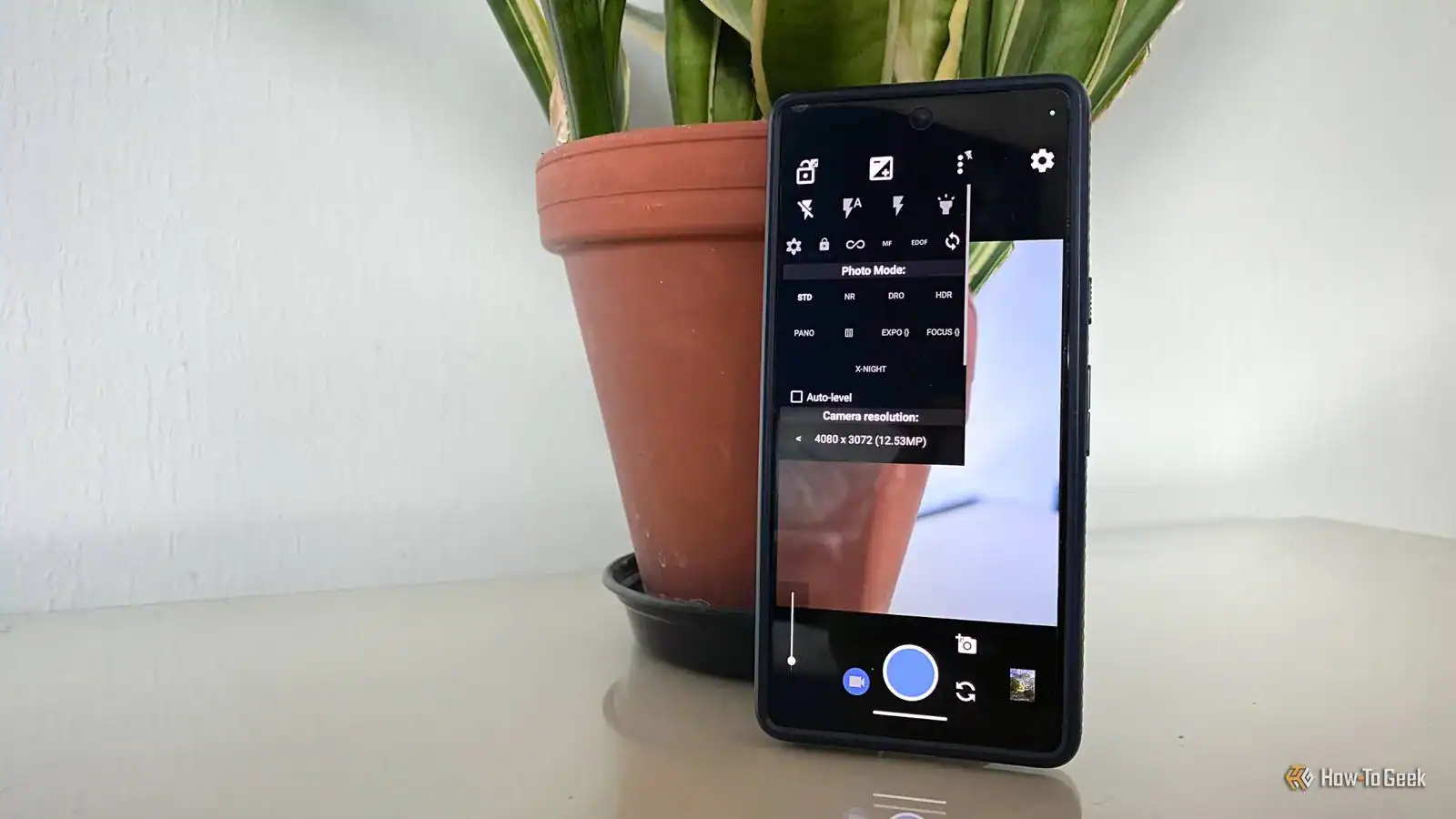
When you notice your gear struggling to lock on, the cause often relates to the environment or the lens configuration. The table below outlines what you might see and the likely culprit behind the behavior.
| What you notice | What it usually means | What to do first |
|---|---|---|
| Lens hunts in dim light | Not enough light for sensor | Add more light |
| Focus misses plain surfaces | No contrast for phase detection | Find an edge |
| Subject is too close | Lens minimum distance reached | Move back 1 foot |
| Constant focus noise | Continuous AF mode active | Switch to single AF |
| Blurry images at zoom | Camera shake or soft focus | Use a tripod |
| Focus slows in cold | Battery voltage drop | Warm up battery |
These delays happen because your camera’s autofocus system is a high-speed calculator. It constantly compares data from your sensor to find the sharpest point. If the image data is muddy or lacks clear edges, the processor must work much harder to verify the focus point.
Think of it like trying to read a book in a dark room. Your eyes strain to find the letters, leading to a delay in comprehension. When your lens hunts, it’s essentially scanning the scene repeatedly, waiting for the sensor to confirm a sharp contrast. If the camera fails to find that signal, it may give up or reset entirely.
Insufficient contrast and light levels
Autofocus systems work by detecting contrast, which means the camera looks for sharp transitions between light and dark areas. If you’re shooting a plain, flat surface like a clear sky or a white wall, the camera has no edge to lock onto. It will move the lens elements back and forth, or “hunt,” while it tries to find a feature that isn’t there.
You can confirm this by pointing your camera at a subject with clear lines, such as a printed book or a tree branch. If the focus locks instantly, the lack of contrast was the cause.
To fix this, look for a high-contrast edge on your subject and place your focus point directly over it. If you’re in a dark room, adding an external light source or using the camera’s built-in AF-assist lamp will provide the contrast needed for the sensor to function correctly.
When lighting is extremely dim, the camera sensor struggles to distinguish between noise and actual detail. Even if your subject has clear edges, the sensor can’t calculate distance without sufficient illumination. In these cases, your camera may fail to confirm focus entirely, forcing you to switch to manual mode.
Incorrect autofocus mode settings

Modern cameras often feature multiple focus modes that change how the motor behaves. If your camera is set to continuous autofocus, or AF-C, it’s constantly trying to track movement, which can feel sluggish if you’re shooting static subjects. This mode is designed for moving targets, not for stationary portraits or landscapes.
Switch your camera to single-shot mode, often labeled as AF-S or One-Shot, to see if the delay disappears. This mode tells the camera to lock focus once and stop, which is much faster for still objects. You should also verify that your focus area is set to a single point rather than “auto-area” or “wide.”
If the camera is set to auto-area, it tries to guess what you want to focus on, which often leads to the wrong subject or a long delay. By selecting a single center point, you give the camera a specific instruction, which reduces the processing time for the internal computer.
Distance and lens limitations
Every lens has a physical limit known as the minimum focus distance, which defines how close you can get before the glass physically can’t focus. If you’re closer than this limit, the lens will rack through its entire range and fail to lock. According to Canon’s official support resources, most standard lenses require at least 12 to 18 inches of distance from the subject to achieve a sharp lock.
If you find the lens is constantly moving from infinity to the closest point, you’re likely too close. Try moving back until the camera locks, then zoom in if you need a tighter shot. Many lenses also have a physical focus limiter switch on the side of the barrel.
If this is set to a “macro” or “long” range that doesn’t match your current distance, it will force the lens to ignore parts of its range, causing it to fail or slow down significantly.
When to stop and seek professional repair
There are times when the issue is mechanical rather than a simple setting. If you experience these signs, stop trying to force the focus and contact a qualified service center:
- The lens makes a grinding, clicking, or high-pitched screeching noise during focus.
- The camera displays an error code related to the lens communication or aperture.
- The focus ring feels physically loose, gritty, or stuck when turned manually.
- You see visible debris or moisture trapped inside the front element of the lens.
Internal motor failure requires specialized tools and clean-room conditions to repair without damaging the delicate optics. Attempting to force a stuck lens can strip the internal gears, turning a minor alignment issue into a total loss of the gear.
If your camera fails to lock focus even in bright, high-contrast conditions after you have ruled out software glitches, the internal autofocus motor may be failing. Listen closely for unusual sounds during operation. If the lens struggles to move or emits a whine, the motor is likely dying.
Persistent error messages suggest a failure in the electronic contacts between the lens and body. Clean these contacts with a soft, dry cloth first. If the error remains, the internal ribbon cables are likely damaged.
Frequently asked questions
Can a dirty lens affect autofocus speed?
Yes, a dirty lens can confuse the autofocus sensor if there are smudges or dust on the front element. Use a clean microfiber cloth to gently wipe the glass, as grime can scatter light and prevent the camera from finding a sharp edge.
Is it safe to use continuous focus for all photos?
It’s safe, but it will drain your battery faster and may result in slower performance for still subjects. Switch to single-shot AF when you aren’t tracking moving subjects to save power and improve the speed of your focus lock.
How do I know if my battery is too low?
Your camera will usually show a blinking battery icon or a low-power warning on the screen when the voltage drops. Modern lithium-ion batteries lose efficiency in cold weather, which can cause the focus motor to run significantly slower than normal.
Does the camera brand change how fast it focuses?
The speed of the focus depends on the specific model, the lens you’re using, and the lighting conditions of the scene. Higher-end cameras have more sophisticated processors that handle focus calculations faster, but even the best gear will struggle in near-total darkness.
Why does my camera focus on the background instead of the subject?
Your camera is likely set to a wide-area focus mode that prioritizes the closest object or the brightest area in the frame. Switch to a single-point focus mode to tell the camera exactly which part of the scene is the priority for your shot.
What happens if I move the lens while it’s focusing?
You might damage the internal focus motor if you force the ring while the camera is trying to drive it. Most modern lenses have a “full-time manual” feature that allows you to turn the ring safely, but it’s best to let the camera finish its job.
Conclusion
If you’re still struggling, don’t get discouraged. Sometimes your gear just needs a little extra help to find its mark. Try switching your lens to manual focus mode the next time you’re shooting in tricky conditions. You’ll be surprised at how much control you’ll have once you start practicing that simple skill.


2 Comments
Pingback: How to Fix a Camera That Produces Blurry Videos: Quick Steps
Pingback: How to Fix a Camera That Produces Blurry Videos: Quick Steps