
You can resolve a cracked or blank display by checking the internal ribbon cable connection or replacing the screen module, but professional service is often required to avoid damaging delicate internal components when repairing a camera with a broken lcd screen. The most common cause is a physical impact that shatters the glass or disconnects the data ribbon. If the screen is completely dark but the camera takes photos, the issue is usually the display panel itself rather than the camera’s sensor.
Why your camera screen breaks
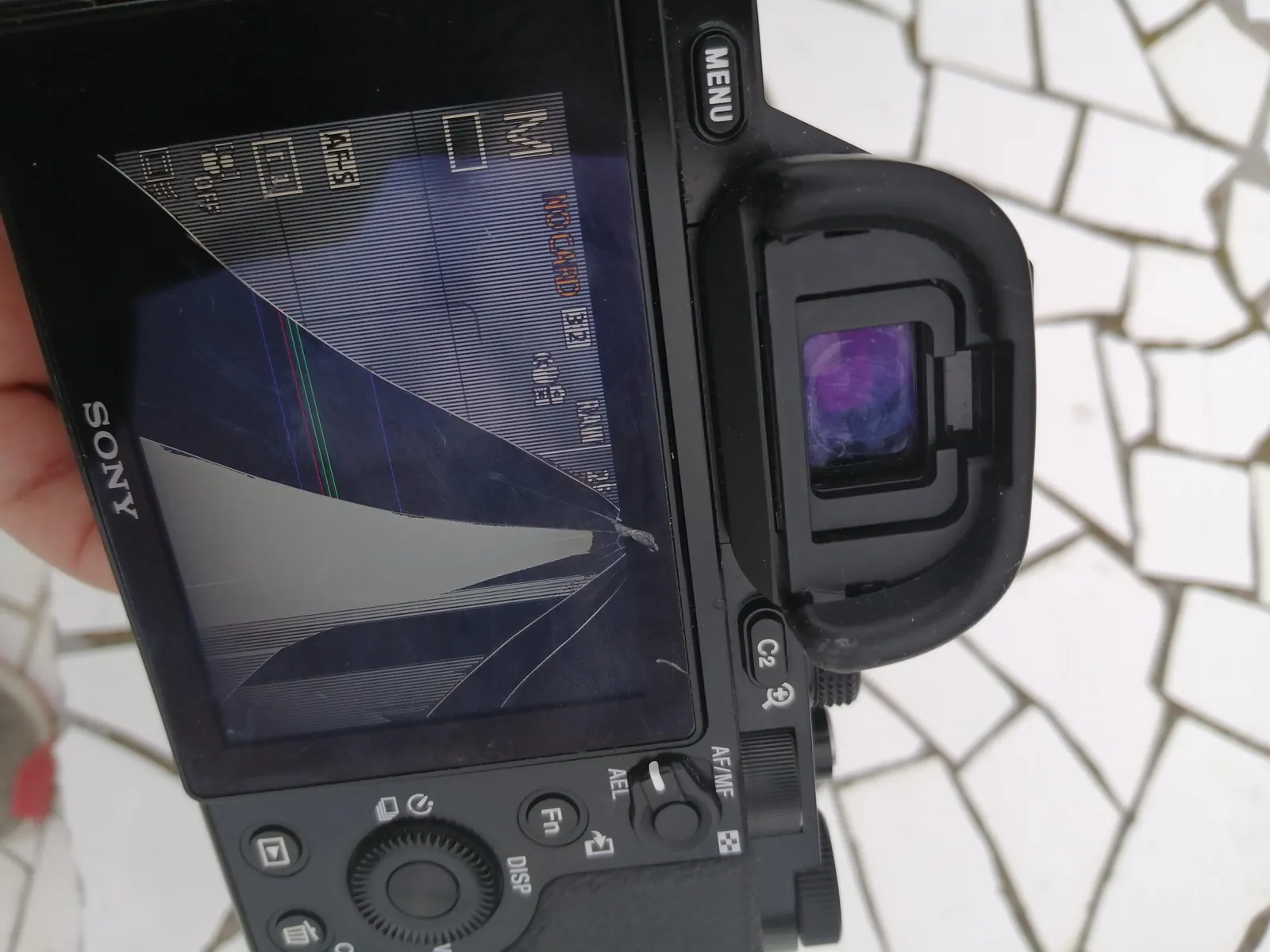
A camera screen typically fails due to three main causes: physical trauma, moisture ingress, or ribbon cable fatigue. If you dropped your device or hit it against a hard surface, the glass layer or the underlying liquid crystal matrix may have cracked. This damage is often irreversible, and the screen will show spiderweb fractures, ink-like black blotches, or permanent white lines.
Moisture is another common culprit, especially if you use your gear in high-humidity environments. Water can seep behind the glass and corrode the thin, conductive traces that send images to your display. This often results in a flickering screen or a display that works only intermittently.
Finally, the internal ribbon cable that connects the LCD to the camera’s motherboard can become loose or frayed over time. This happens because the cable bends every time you tilt or flip the screen.
If the connection becomes loose, the screen might go black even if the glass remains perfectly intact. You can check the official manufacturer support pages for your specific model to see if they offer a diagnostic tool or a list of authorized service centers for hardware repairs.
Check the External Connections and Settings
Before assuming the display is broken, verify that the camera isn’t simply sending the video feed to an external source. Many modern cameras automatically disable their rear LCD when they detect an HDMI cable plugged into the side port. Ensure no HDMI cable is connected and check if your camera has a dedicated “Display” or “DISP” button. Pressing this button cycles through different viewing modes and might accidentally turn the screen off while leaving the camera active.
If the screen remains black, remove the battery and the memory card, then wait 60 seconds before reinserting them. This power cycle forces the camera’s firmware to reset its internal hardware handshake.
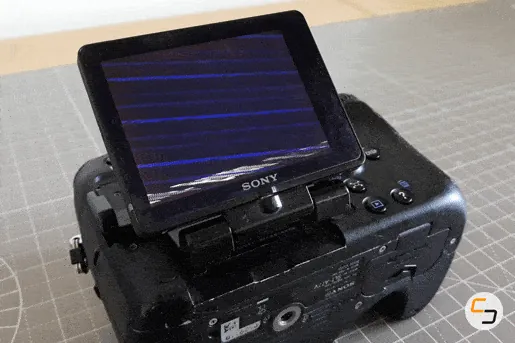
If the screen flickers or displays static when you tilt the camera’s articulating hinge, the ribbon cable is likely failing. This is a common issue for photographers who frequently change angles, and it usually requires a technician to open the camera housing to re-seat or replace the internal ribbon cable.
Resetting the Display via Menu Settings
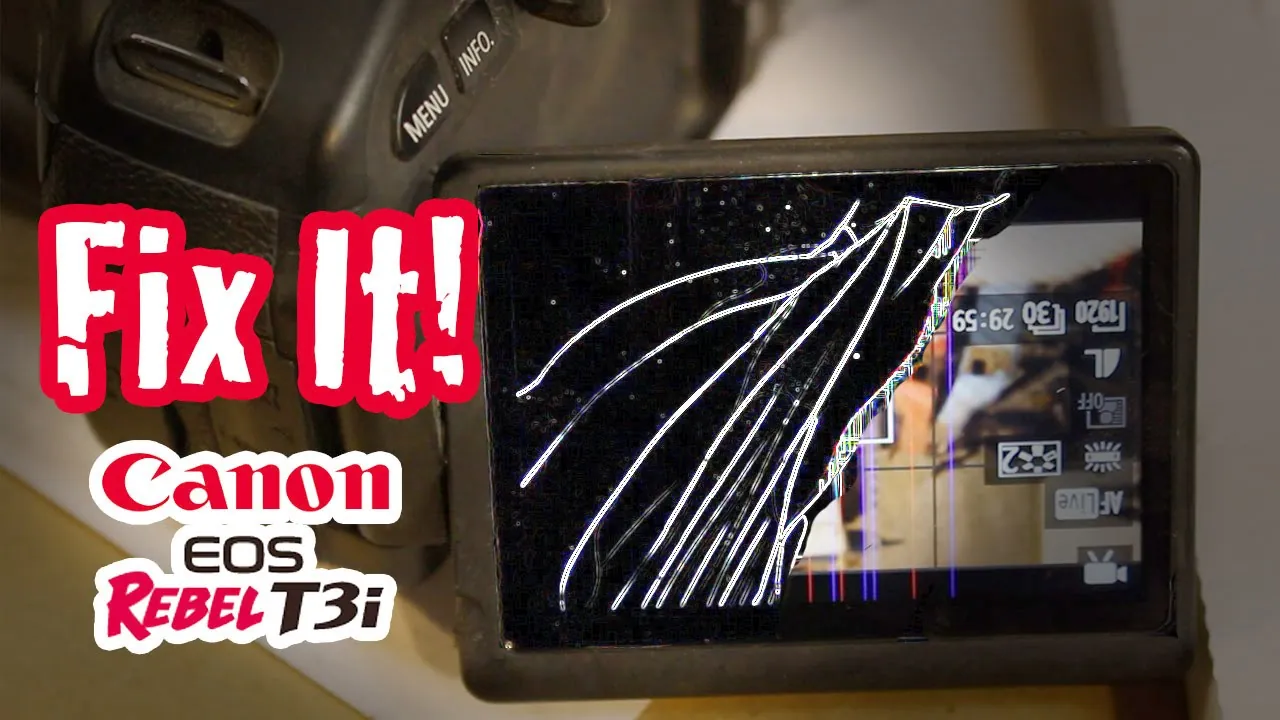
If you can still see faint menus or icons, the issue might be a software setting rather than a hardware failure. Some cameras have a “Brightness” or “LCD Off” setting buried deep in the custom menu that can be triggered by mistake.
Navigate to your camera’s setup menu using the viewfinder as a guide and look for “LCD Brightness” or “LCD/EVF Toggle.” Set the brightness to the middle value and ensure the camera is set to “LCD Only” or “Auto” rather than “EVF Only.”
If the screen is completely dead, you can’t perform this step. Don’t attempt to force the menu open if you can’t see the display, as you might change critical settings like file format or reset the camera to factory defaults, which could delete your custom shooting profiles.
If you have the required technical manual for your specific camera model, you can identify the exact menu path, but if you don’t have experience with electronics, leave the internal adjustments to a professional repair shop.
Professional Repair Versus Replacement
Deciding whether to pay for a repair or buy a new camera depends on the current market value of your specific model. If the repair cost exceeds 50% of the camera’s used market value, it’s usually more logical to put that money toward a newer unit. Professional service centers charge for both labor and parts, and they often provide a limited warranty on the work performed.
If you own a professional-grade body, a screen replacement is almost always worth the investment. However, if you have an older entry-level model, the cost of genuine replacement parts plus the labor fee can often be prohibitive.
Always ask for a written quote before authorizing any work. If the camera has signs of internal water damage or a cracked main circuit board, the repair shop may advise against the fix, as these issues often lead to secondary failures shortly after the screen is replaced.
Myths About DIY Camera LCD Screen Fixes
- Applying pressure to fix “stuck” pixels: Pressing on the screen can crack the glass further or cause the liquid crystal fluid to leak, which permanently ruins the panel.
- Using a hairdryer to clear moisture: High heat can melt the plastic housing and warp the delicate adhesive seals around the screen, allowing more dust and debris to enter the camera.
- Cleaning the interior with alcohol: Liquid cleaners can seep into the camera’s mainboard, causing short circuits that destroy the sensor or the shutter mechanism.
- Swapping parts from similar models: Even if the screen looks identical, most cameras use model-specific firmware and pin configurations that make universal parts incompatible.
Preventing Future Display Damage
To avoid repeating this issue, you must treat the LCD as the most fragile part of your equipment. Using a screen protector is the single most effective way to prevent scratches and minor cracks. If you use a camera with an articulating screen, always fold the display inward against the camera body when transporting it in your bag to protect the glass from impacts.
| If you’re doing this | Do this instead | Why |
|---|---|---|
| Carrying the camera loose | Use a padded camera bag | Prevents impact damage |
| Leaving the screen exposed | Fold the screen inward | Protects the glass surface |
| Wiping with paper towels | Use a microfiber cloth | Prevents micro-scratches |
| Forcing the screen hinge | Clean the hinge regularly | Removes grit that jams parts |
Frequently asked questions
How long does a professional screen repair take?
A typical repair takes 7 to 14 business days, depending on whether the service center has the specific part in stock. If the repair shop needs to order the display module from the manufacturer, this timeline may extend by an additional week. You should ask your local repair shop for an estimated turnaround time when you submit the device for a formal quote.
Is it safe to use a camera with a cracked screen?
It’s technically safe to use the camera as long as the glass isn’t loose or falling out, but it carries risks. Jagged edges can cut your skin, and if the liquid crystal layer is exposed, moisture or debris can enter the camera body. If you must use it, cover the crack with a clear screen protector to keep the debris contained until you can get it repaired.
Why is my camera screen black but the photos are fine?
Your camera’s sensor is functioning correctly, but the display module or the ribbon cable connecting it to the processor is damaged. This confirms that the internal imaging system is intact, which is good news for your potential repair costs. You should try toggling the display settings and checking for loose cables, but this is usually a sign that the hardware display component needs a professional replacement.
How much does it cost to fix a broken LCD?
The cost is generally inexpensive compared to purchasing a new camera, depending on the model and the availability of the spare part. This assumes you’re using an authorized service center and replacing the entire display module. If your camera is a high-end professional model, the price may be higher due to the cost of the advanced glass and the labor required to seal the camera against weather.
Conclusion
If you aren’t comfortable handling tiny screws and fragile wires, don’t force it. It’s better to contact a certified technician who can safely restore your view. Once you’ve reached out for a professional quote, you’ll feel much more confident about getting back to capturing your favorite moments again.