If your dslr camera is not taking pictures, the cause is often a communication error between the lens and body, a full memory card, or an incorrect focus setting. While it is frustrating when the shutter button does not respond, most of these issues are easily resolved by checking your hardware and menu settings.
Key Takeaways

- Check that your memory card isn’t locked, full, or improperly formatted for your specific camera model.
- Ensure the lens is clicked into its locking position to maintain the essential electronic connection with the body.
- Verify that your autofocus system isn’t struggling to find a point of contrast in low-light conditions.
- Confirm your camera is set to a shooting mode that allows the shutter to fire, such as Manual or Aperture Priority.
- Inspect the battery contacts for any oxidation or debris that might be interrupting the power supply.
Why Is My DSLR Not Taking Pictures?
Most instances where a camera fails to trigger the shutter stem from a conflict between the lens and the camera body. If the camera doesn’t detect the lens, it often prevents the shutter from firing to protect the sensor from potential exposure errors.
Start by detaching the lens and cleaning the gold-colored electronic contacts on both the lens mount and the camera body using a dry, lint-free microfiber cloth. Once cleaned, reattach the lens firmly until you hear a distinct click. This ensures the electronic communication pins are correctly aligned and providing the necessary data for the camera to function.
Is Your Memory Card The Culprit?
A camera will often refuse to take a photo if it can’t write the image data to your storage media. First, check if your SD card has a tiny physical switch on the side labeled “Lock.”
If this switch is pushed toward the bottom, the card is in read-only mode, and the camera will be unable to save any new files. Additionally, a corrupted file system on the card can stop the camera from recognizing it entirely. If the card is full, you must delete old images or transfer them to a computer to free up space.
| Card Status | Symptom | Action Required |
|---|---|---|
| Locked | Shutter won’t fire | Slide the physical switch to the open position |
| Full | “Card Full” error | Delete images or swap to a new card |
| Corrupted | “Card Error” message | Format the card in the camera menu |
| Incompatible | Camera doesn’t see card | Check capacity limits in the manual |
Troubleshooting Autofocus Limitations
Digital cameras are designed to prioritize sharpness; if the camera can’t confirm that the subject is in focus, it will often disable the shutter release. This is known as “Focus Priority.” If you’re shooting in a dimly lit room or trying to photograph a solid, featureless surface, the autofocus system may hunt indefinitely without locking on.
Try switching your lens to Manual Focus (MF) mode. If the camera takes a picture immediately while in MF, you know the issue isn’t the shutter mechanism itself, but rather the autofocus sensor failing to find enough contrast to confirm a focus lock.
Checking Your Shooting Mode Settings
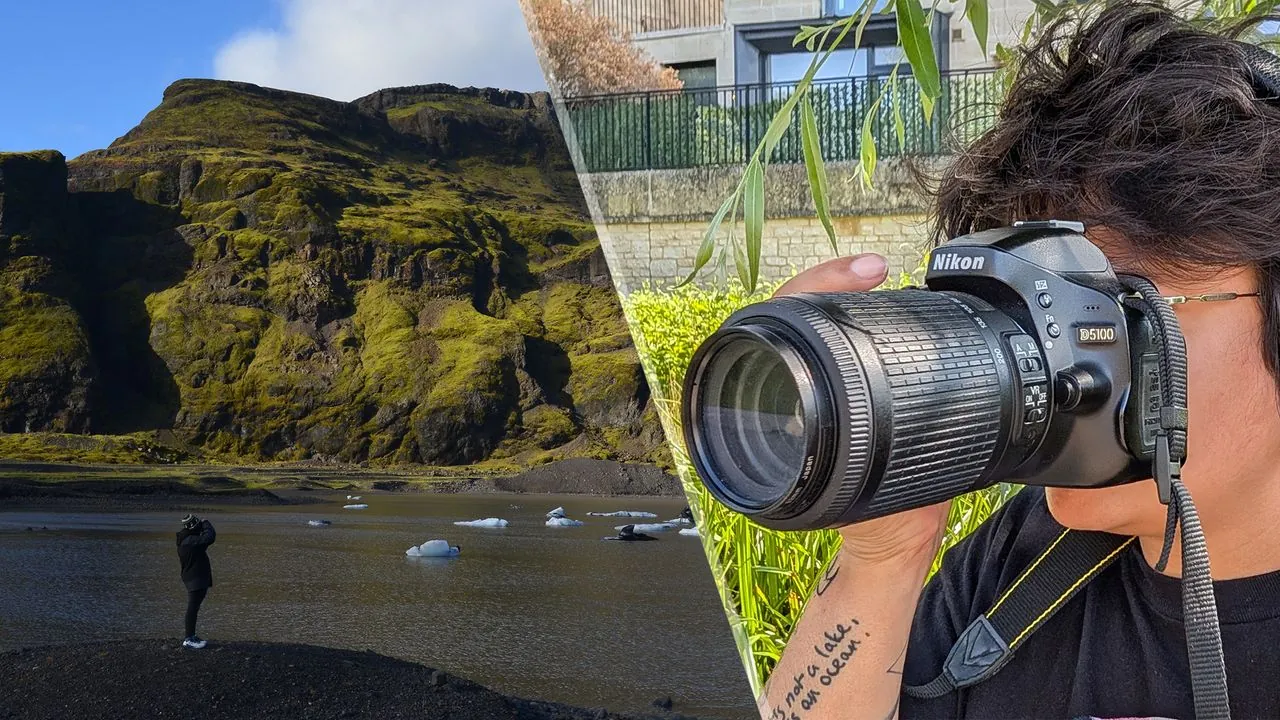
Certain shooting modes have built-in safeguards that prevent you from taking a picture if the conditions aren’t ideal. In “Auto” or “Program” modes, the camera may refuse to fire if the flash is charging or if the ambient light is too low for a handheld shot.
Switch your dial to “M” for Manual mode. In this mode, the camera grants you full control over the shutter speed and aperture, overriding most of the safety interlocks that might be stopping you in automatic modes. Manual exposure control is the best way to determine if the camera hardware is fundamentally operational.
Battery Power And Contact Integrity
Even if your battery indicator shows a full charge, a weak or aging battery may not provide the necessary voltage to engage the mechanical shutter motor. Pro Tip: Always ensure the battery door is completely latched shut, as most DSLRs feature a small micro-switch that prevents the camera from turning on if the door is slightly ajar.
If you have been using the camera in high-humidity environments, inspect the battery compartment for any signs of corrosion. According to the official support documentation from Canon, using a battery that has reached the end of its life cycle can lead to erratic power delivery that causes the camera to lock up during the shutter release sequence.
Dealing With Mirror Lockup Issues
Some advanced DSLR cameras have a feature called “Mirror Lockup” designed for tripod work to reduce vibration. When this mode is active, the first press of the shutter button swings the mirror up out of the way, and a second press is required to actually take the photo.
If you’re accidentally in this mode, you might press the button and hear nothing, or see the screen go dark without an image being captured. Check your custom function menus to ensure Mirror Lockup is disabled if you’re trying to shoot handheld.
Software Glitches And System Resets
Sometimes, the internal software of the camera experiences a temporary hang that prevents normal operation. A simple “soft reset” can often clear these errors. Turn the camera off, remove the battery, and remove the memory card. Leave the camera in this state for at least sixty seconds to allow the internal capacitors to discharge.
After this time, reinsert the battery and turn the camera back on. If the camera still fails to function, look for the “Reset to Factory Settings” option in your menu, which will clear any obscure menu configurations that might be preventing the shutter from firing.
Is The Shutter Mechanism Jammed?
If you have tried all the above steps and the camera still refuses to fire, there may be a mechanical failure within the shutter curtain itself. Listen closely to the camera when you press the shutter button. Do you hear a faint clicking sound, or is there total silence?
A faint click followed by an error code on the LCD screen often indicates a mechanical shutter failure. If you suspect the physical shutter is stuck, don’t attempt to force it open or touch the sensor, as this can cause permanent, expensive damage to the delicate imaging hardware.
When To Contact Professional Repair
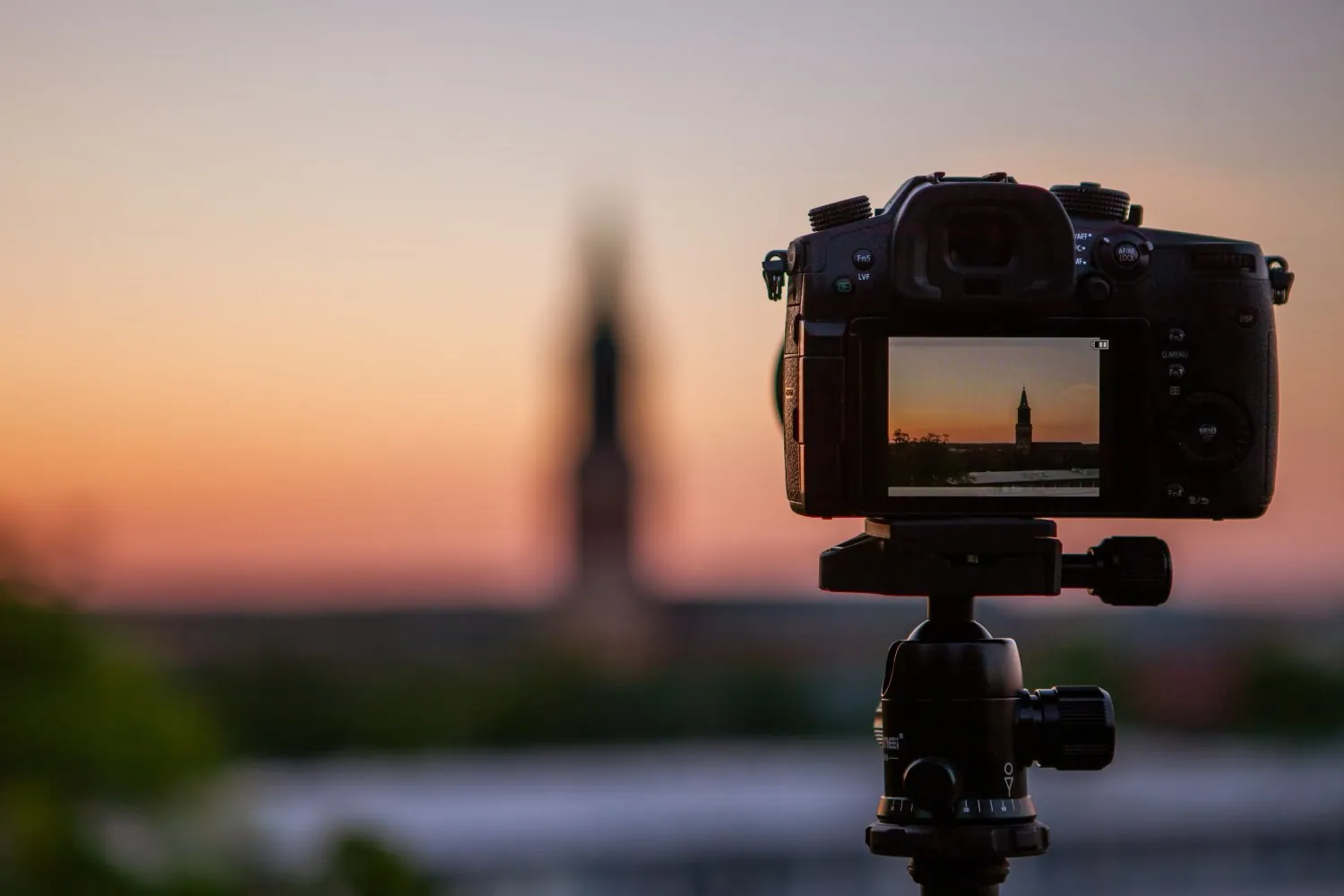
If your camera remains unresponsive despite performing a full reset and testing with a different lens and battery, you’re likely facing an internal component failure. Hardware issues like a blown mainboard, a disconnected internal ribbon cable, or a failed motor are beyond the scope of home troubleshooting.
It’s recommended to contact a manufacturer-authorized service center. They have the specialized tools required to calibrate the shutter and verify the integrity of the imaging sensor. Seeking professional help ensures that your camera is handled according to the manufacturer’s service standards, preventing further damage during the repair process.
| Service Type | Typical Concern | Professional Solution |
|---|---|---|
| Sensor Cleaning | Dust or debris | Professional wet cleaning |
| Shutter Repair | Mechanical jam | Replacement of shutter assembly |
| Firmware Update | Software bug | Manufacturer-level software reload |
| Mainboard Issue | Total power loss | Circuit board replacement |
Frequently Asked Questions
Why does my camera show an error code?
Error codes are the camera’s way of reporting a specific hardware or software conflict. Common codes often relate to communication failures between the lens and the body, or issues writing data to the memory card. Consult your user manual for the specific code displayed, as these are unique to each manufacturer and guide you toward the exact component causing the fault.
Can a dirty lens contact stop a photo?
Yes, dirty contacts are a frequent cause of shutter failure. The lens must send aperture and focus data to the camera body to function correctly. If this electronic handshake is interrupted by dust, oil, or oxidation, the camera may assume no lens is attached and disable the shutter release to prevent potential damage to the internal optics or exposure systems.
Should I try to clean the shutter myself?
No, you should never touch the shutter curtains or the sensor. These components are extremely fragile and can be permanently damaged by the slightest pressure or contact with cleaning fluids. If you believe the shutter is physically jammed or obstructed, professional repair is the only safe path to restore your camera to proper working order without risking a total loss of the unit.
How do I know if my battery is dead?
A battery might be dead if the camera doesn’t turn on at all, or if it turns on but shuts down the moment you press the shutter button. This happens because the shutter mechanism requires a surge of power to move the mirror and curtains. If the battery can power the screen but not the mechanical parts, it’s likely failing under load.
Is it time to buy a new camera?
If the cost of repairing the internal shutter or mainboard exceeds the current market value of your camera model, it may be time to upgrade. However, most issues are simple settings or lens connectivity problems. Only consider replacement after a professional technician has confirmed that the repair costs aren’t economically viable compared to purchasing a newer, more reliable piece of equipment.
Conclusion
Before you give up on your camera, perform a final test by mounting a different lens, using a fresh, fully charged battery, and resetting the camera to its default factory settings in the menu. If the shutter still refuses to fire after these controlled tests, the issue is likely a hardware fault that requires professional attention from a certified service technician.