
Camcorders have been trusted tools for capturing video memories and professional content for decades. But recording a great video is not as simple as just pressing a button. One of the biggest challenges for both beginners and experts is managing different lighting conditions. If you have ever tried to film outdoors on a sunny day or indoors at night, you know how lighting can completely change the look of your footage. Understanding how camcorders handle light—and how you can help them—can turn dull, dark, or overexposed clips into clear and vibrant videos.
Let’s explore how camcorders deal with different lighting situations, what features matter most, and how you can get the best results no matter where you are filming. Whether you are shooting a family event, a YouTube video, or a documentary, these insights can help you make smart choices and avoid common mistakes that many beginners never notice.
Why Lighting Matters In Video Recording
Light is the foundation of every video. Without enough light, your camcorder struggles to capture detail, color, and movement. Too much light, on the other hand, can wash out faces and create harsh shadows. The human eye adapts quickly to different lighting, but camcorders need help to do the same.
The way a camcorder handles light affects everything:
- Image brightness: Is the video too dark or too bright?
- Color accuracy: Do colors look natural or strange?
- Sharpness: Can you see fine details, or does everything look blurry?
- Noise levels: Is there grain or static in the video?
Even expensive camcorders can struggle if the lighting is not right. Understanding how your device works with light helps you avoid wasted footage and disappointing results.
Core Camera Features That Handle Lighting
Modern camcorders use several technologies to manage changing light. Each feature has a unique role in getting the best possible video.
Image Sensor
The image sensor is the heart of any camcorder. It captures light and turns it into an electronic signal. There are two main types: CMOS and CCD. CMOS sensors are now more popular because they use less power and can handle bright and dark areas better.
A larger sensor usually means better performance in low light. This is why professional camcorders and some high-end smartphones have bigger sensors—they can capture more detail and less noise when light is low.
Aperture (iris)
The aperture is an opening in the lens that lets light reach the sensor. A wider aperture (lower f-number, like f/1.8) means more light gets in, which is great for dark scenes. A narrow aperture (higher f-number, like f/8) is better for bright conditions.
Many camcorders have an automatic aperture that adjusts as you move between bright and dark areas. Some advanced models let you control the aperture manually for more creative shots.
Shutter Speed
Shutter speed is how long the sensor is exposed to light for each frame. A faster shutter speed (like 1/1000 second) captures quick motion but lets in less light, which is good for bright outdoor settings. A slower shutter speed (like 1/30 second) lets in more light, but fast movement may look blurry.
Balancing shutter speed is crucial, especially when filming sports or action scenes in different lighting.
Gain And Iso
Gain (or ISO in digital cameras) amplifies the signal from the sensor to make the video brighter. Increasing gain helps in low light but also adds noise—those grainy dots you see in dark footage.
Most camcorders adjust gain automatically, but some let you control it manually. Keeping gain as low as possible gives cleaner, clearer video.
White Balance
Lighting changes the color of everything in your video. White balance tells your camcorder what “true white” looks like, so other colors look natural. For example, indoor light often makes video look yellow, while shade can make it look blue.
Camcorders usually have automatic white balance, but some scenes confuse the system. Manual white balance lets you adjust for tricky lighting, like sunsets or mixed indoor-outdoor settings.
Built-in Filters And Image Processing
High-end camcorders may include neutral density (ND) filters to reduce light without changing color, helpful in extremely bright settings. Some also use advanced image processing to reduce noise, boost color, and sharpen details in low light.
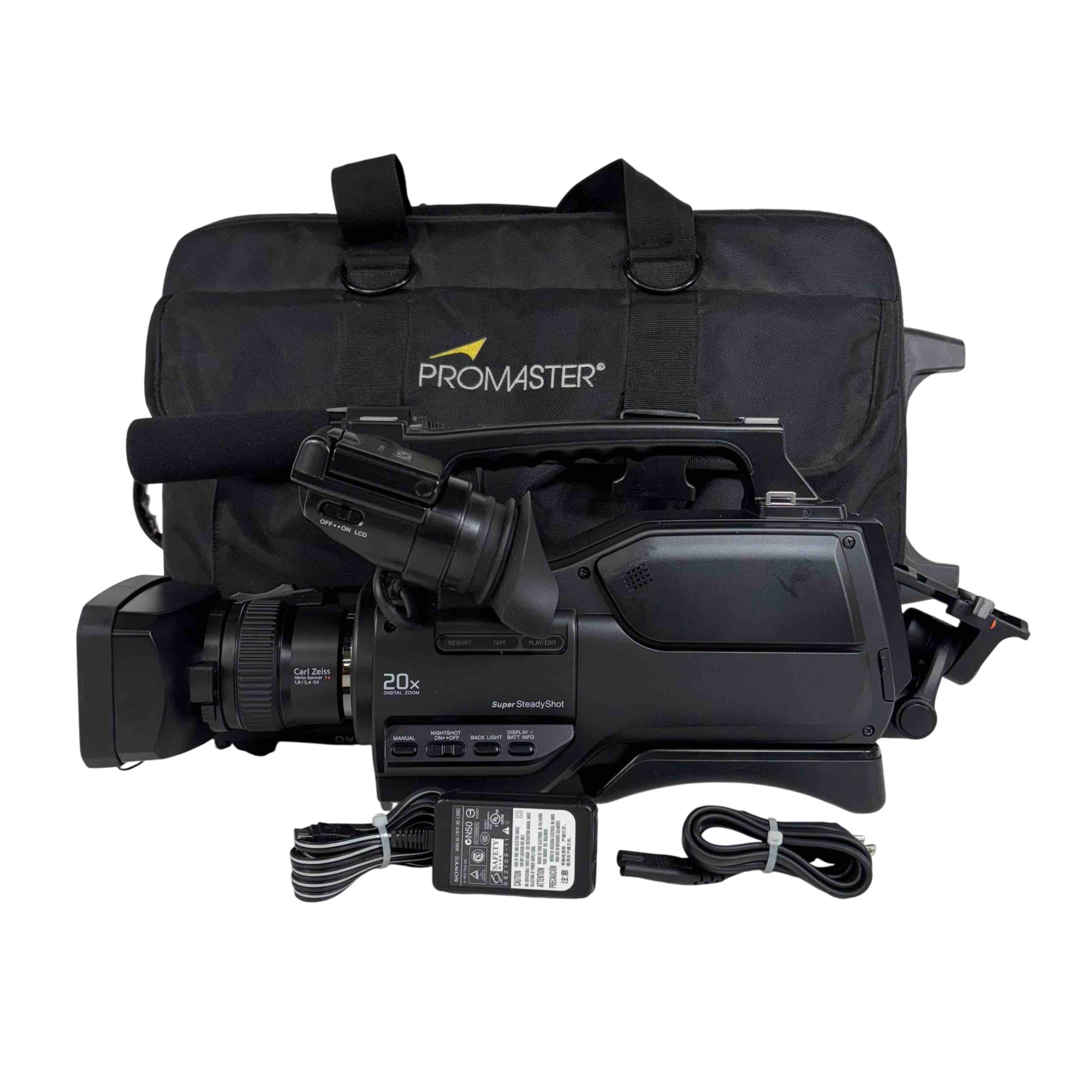
How Camcorders Respond To Different Lighting Scenarios
Let’s look at how these features work together in common real-life situations.
Bright Outdoor Sunlight
Shooting in the sun can overwhelm a camcorder’s sensor. The automatic settings will often:
- Narrow the aperture to let in less light
- Increase shutter speed to avoid overexposure
- Lower gain to keep the image clean
But very bright areas (like white sand or snow) can still “blow out” and lose detail. Built-in ND filters or manual exposure control can help keep the video balanced.
Low Light Or Night Scenes
At night, your camcorder will:
- Open the aperture wide to collect more light
- Slow down the shutter speed (risking motion blur)
- Raise gain (increasing noise)
Some camcorders have special Night Mode or infrared capability to help see in the dark, but these can make colors look unnatural.
Indoor Lighting
Indoor light is usually weaker and often comes from above or the side, creating shadows and yellow tones. The camcorder will try to:
- Widen the aperture
- Adjust white balance for tungsten or fluorescent bulbs
- Boost gain if needed
If the light is very mixed (for example, window light and lamps), colors may look strange. Manual white balance or adding more light can fix this.
Backlighting And High Contrast
When your subject is in front of a bright window or sunset, the camera may expose for the background and make faces too dark. Camcorders use backlight compensation or wide dynamic range (WDR) features to balance the scene, but it’s not perfect.
For tough situations, adding a light source or changing your angle works better than relying only on the camera.
Fast-changing Light
Filming events like concerts or sports, where lighting changes quickly, can confuse the camcorder’s auto settings. Manual exposure and white balance, or using a “scene mode” designed for those situations, give better control.
Common Camcorder Modes And Settings For Lighting
Most camcorders offer several scene modes to help users who don’t want to adjust everything manually. Here are some of the most useful:
- Auto Mode: Handles all settings automatically. Good for beginners but can be fooled by tricky lighting.
- Night Mode: Slows shutter speed and raises gain for low light. May introduce noise and blur.
- Sunset or Beach Mode: Reduces brightness and boosts warm colors to handle strong sunlight.
- Spotlight Mode: Lowers exposure for scenes with a bright spot, like stage performances.
- Backlight Mode: Increases exposure for faces in front of bright backgrounds.
- Manual Mode: Lets you control aperture, shutter, gain, and white balance for the best results.
Understanding when to switch modes is a skill that improves with practice. For example, using “Backlight Mode” during a sunset portrait will keep faces visible, while “Auto Mode” might just create a silhouette.
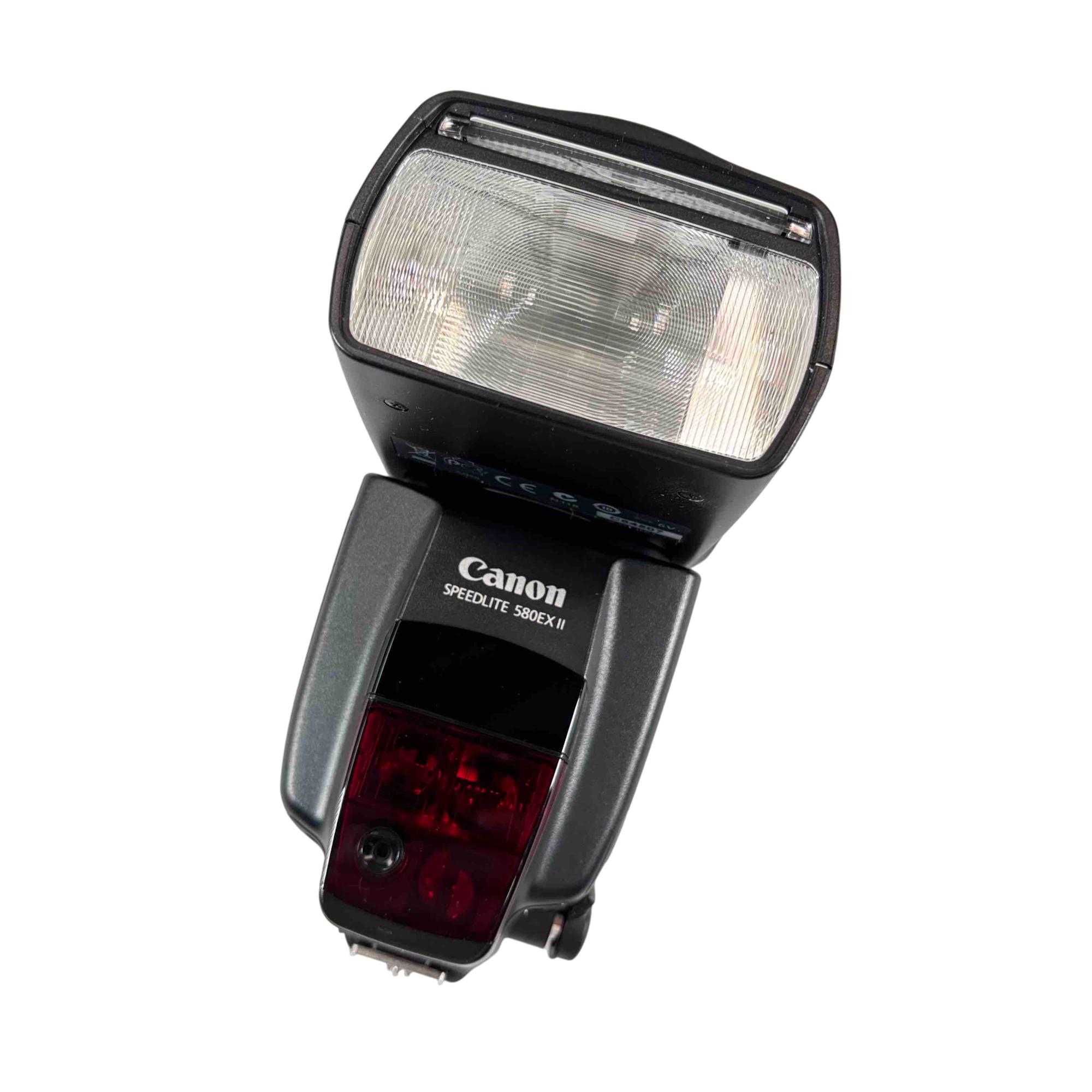
Comparing Camcorder Lighting Features
Here’s a comparison of how entry-level, mid-range, and professional camcorders handle lighting:
| Feature | Entry-Level | Mid-Range | Professional |
|---|---|---|---|
| Sensor Size | Small | Medium | Large |
| Aperture Control | Auto only | Some manual | Full manual |
| ND Filters | No | Optional | Yes |
| White Balance | Auto | Auto & Presets | Manual |
| Low Light Performance | Poor | Good | Excellent |
This shows why a more advanced camcorder is better for challenging lighting, but smart use of settings can help any device.
Practical Tips For Better Video In Any Lighting
Even the best camcorder needs help in difficult light. Here are some proven strategies:
- Use extra lights: Portable LED panels or even a lamp can improve indoor and backlit scenes.
- Avoid strong backgrounds: Move your subject so bright windows or lights are not behind them.
- Adjust white balance: If colors look wrong, set it manually using a white card.
- Watch your exposure: Use your camcorder’s histogram or exposure meter if available.
- Test before recording: Take short clips and review them to check for problems.
- Learn your camera’s strengths and limits: Each model handles light differently—practice helps.
A common mistake is trusting “Auto Mode” in every situation. It’s convenient, but for memorable moments, a little manual adjustment can make a big difference.
How Camcorders Compare To Smartphones In Lighting
Smartphones have improved a lot and now rival basic camcorders in many ways. But there are still differences in how they handle light:
| Aspect | Camcorder | Smartphone |
|---|---|---|
| Sensor Size | Larger | Smaller |
| Manual Controls | More options | Fewer options |
| Low Light | Less noise | More noise |
| Zoom Quality | Optical zoom | Digital zoom |
Smartphones use AI processing to improve footage in bad light, but camcorders usually produce cleaner, more natural results, especially for longer recordings.
Non-obvious Insights For Better Results
Most beginners overlook a few important points:
- Lighting direction matters: Not just the amount, but the angle of light changes how faces and objects look. Soft, side lighting is usually more flattering than harsh, direct light.
- Color temperature shifts: Filming under streetlights, candles, or mixed light makes skin tones look odd. Using a gray card or manual white balance can fix these shifts.
Many users only learn these lessons after seeing bad results. Paying attention to these details saves time and improves quality.

The Role Of Accessories In Handling Light
Sometimes, the answer is not inside the camcorder, but in what you add:
- External microphones: Good audio is easier to get than perfect lighting, but poor sound ruins videos. Don’t forget about microphones.
- Light diffusers: Softens harsh light and reduces shadows.
- Tripods: Helps with slow shutter speeds in low light by preventing blur.
For creators who shoot often in difficult conditions, a small investment in accessories makes a big difference.
The Future: How New Tech Improves Lighting Adaptation
Technology is changing fast. Some modern camcorders and even smartphones now use computational imaging—software that combines multiple frames to balance light and reduce noise. Features like face detection and scene recognition help adjust exposure automatically for the main subject.
AI-driven cameras can even edit lighting in real time, making video creation easier for everyone. For example, Sony and Canon’s latest models use advanced image processors to deliver better video in extreme light.
If you want to learn more about sensor technology, the Wikipedia page on image sensors is a great resource.
Frequently Asked Questions
How Do I Stop My Video From Looking Grainy In Low Light?
Grainy video is usually caused by high gain or ISO in low light. Use extra lighting if possible, keep the gain/ISO as low as you can, and use a tripod to allow slower shutter speeds without blur.
Why Do Indoor Videos Sometimes Look Yellow Or Blue?
This happens because of incorrect white balance. Indoor bulbs are often yellow (tungsten), while outdoor shade is blue. Set your camcorder’s white balance manually or use the right preset for the light source.
Can I Fix Lighting Problems In Editing?
You can improve brightness and color in post-production, but it’s much better to get the lighting right during filming. Fixing overexposed or very dark footage is limited and can reduce quality.
What Is “dynamic Range” And Why Does It Matter?
Dynamic range is the camcorder’s ability to capture both bright and dark details at the same time. A higher dynamic range means your video will show more detail in shadows and highlights, which is important in scenes with strong contrasts.
Are Built-in Camcorder Lights Useful?
Built-in lights help a little for very close subjects, but they are usually weak and harsh. Using separate, adjustable lights gives much better results for most situations.
Camcorders are powerful tools that can adapt to almost any lighting condition with the right settings and a little planning. By understanding how these devices work with light, you’ll capture clear, colorful, and memorable videos—no matter where your adventures take you.

