
Can Camcorders Shoot In Slow Motion?
Capturing life in slow motion can turn ordinary moments into something special. Imagine seeing a water balloon burst, a dancer’s movements, or a bird taking flight—all slowed down, so every detail is clear. Many people wonder if their camcorders can create this effect. With the rise of social media and video platforms, slow motion is more popular than ever. But how do camcorders handle it? Are they good for slow motion, or are other cameras better?
This article explains everything you need to know about camcorders and slow motion. You’ll learn how slow motion works, what features matter, and what to expect from different camcorder models. We’ll also look at common mistakes, technical terms, and how camcorders compare to other cameras for slow motion.
By the end, you’ll know if your camcorder can shoot in slow motion, what settings to use, and how to get the best results.
How Slow Motion Works In Video
Slow motion is more than just playing video slowly. It’s about how many frames per second (fps) your camera records. Normal video is usually 24, 30, or 60 fps. To get slow motion, a camera must record more frames per second—like 120, 240, or even 960 fps.
When you play these high-frame-rate videos back at normal speed, everything looks slower and smoother. This technique is called overcranking in film. For example, if you shoot at 120 fps and play it at 30 fps, the action is 4 times slower.
Why Frame Rate Matters
- Higher fps means smoother slow motion.
- Lower fps gives choppy, less smooth slow motion.
- Not all camcorders support high fps.
If you want true slow motion, your camcorder must support high frame rates.
Do All Camcorders Shoot In Slow Motion?
Not all camcorders can shoot slow motion. Basic or older models may only offer standard frame rates (30/60 fps). Some newer or advanced camcorders offer high-speed modes for slow motion, but there are limits.
Types Of Camcorders And Slow Motion
- Consumer camcorders: Most record up to 60 fps. Few offer true high-speed recording.
- Prosumer camcorders: Some support 120 fps or higher, but only at lower resolutions.
- Professional camcorders: These often support 120 fps, 240 fps, or more—sometimes even at full HD or 4K.
Here’s a quick look at typical frame rates for different camcorder levels:
| Camcorder Type | Max Frame Rate (fps) | Resolution at Max fps |
|---|---|---|
| Consumer | 60 | Full HD (1080p) |
| Prosumer | 120-240 | HD (720p) / Full HD |
| Professional | 240-960+ | HD / Full HD / 4K (varies) |
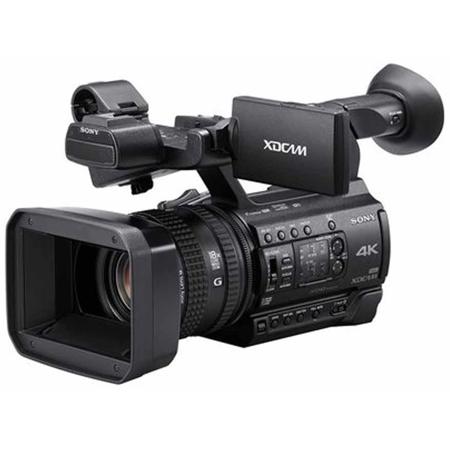
Non-obvious insight: Sometimes, high frame rates are only available at lower resolutions. If you want 4K slow motion, only high-end camcorders can do it.
Key Features To Check For Slow Motion
If you want to shoot slow motion with a camcorder, look for these features:
- High frame rate recording: Check if the camcorder lists 120 fps, 240 fps, or more.
- Manual controls: Being able to set shutter speed, ISO, and focus helps get better slow motion.
- Codec and bit rate: Higher bit rates mean better quality, especially when playing back slow motion.
- Resolution at high fps: Some cameras reduce video quality when shooting slow motion.
- Buffer time: Some camcorders can only shoot a few seconds of slow motion before stopping.
Example: Sony Fdr-ax700
The Sony FDR-AX700 is a prosumer camcorder that shoots 120 fps in HD. However, it does not shoot 4K slow motion. If you want 4K at high fps, you’ll need a more expensive model.
How To Shoot Slow Motion With A Camcorder
Shooting slow motion is not just about pressing a button. Here’s a step-by-step guide:
- Set your camera to high-frame-rate mode. Find this in the menu—look for settings like “Slow & Quick Motion” or “HFR.”
- Choose the frame rate. 120 fps gives good slow motion; 240 fps is even better.
- Set resolution. If possible, pick the highest resolution at the chosen frame rate.
- Adjust shutter speed. Use a shutter speed at least double your frame rate (for 120 fps, use 1/250 or faster).
- Light your scene well. High fps needs more light. Videos can look dark at high shutter speeds.
- Record your video.
- Playback at normal speed. The camera or your editing software will show the slow-motion effect.
Practical Example
If you want to capture a skateboard trick:
- Set your camcorder to 240 fps, 720p.
- Use good lighting (outdoors, midday).
- Record the trick.
- Play back at 30 fps—the action will be 8 times slower.
Beginner tip: Always check the manual for your camcorder’s slow-motion modes. The names vary by brand.
Limitations And Downsides
Even with the right camcorder, slow motion has limits.
- Lower resolution: High fps usually means lower video quality. Your 4K camcorder might drop to 720p at 240 fps.
- Short recording time: Some camcorders only allow a few seconds per clip in high-speed mode.
- Big file sizes: High fps means more data. Your memory card fills up quickly.
- Lighting issues: Fast shutter speeds need more light. Indoor shots may be too dark or grainy.
- Rolling shutter: Fast-moving subjects may look warped on cheaper sensors.
Non-obvious Insight
Editing is just as important as shooting. Many camcorders save high-frame-rate clips as normal speed—so you must slow them down in editing software to see the effect.
Camcorders Vs. Other Cameras For Slow Motion
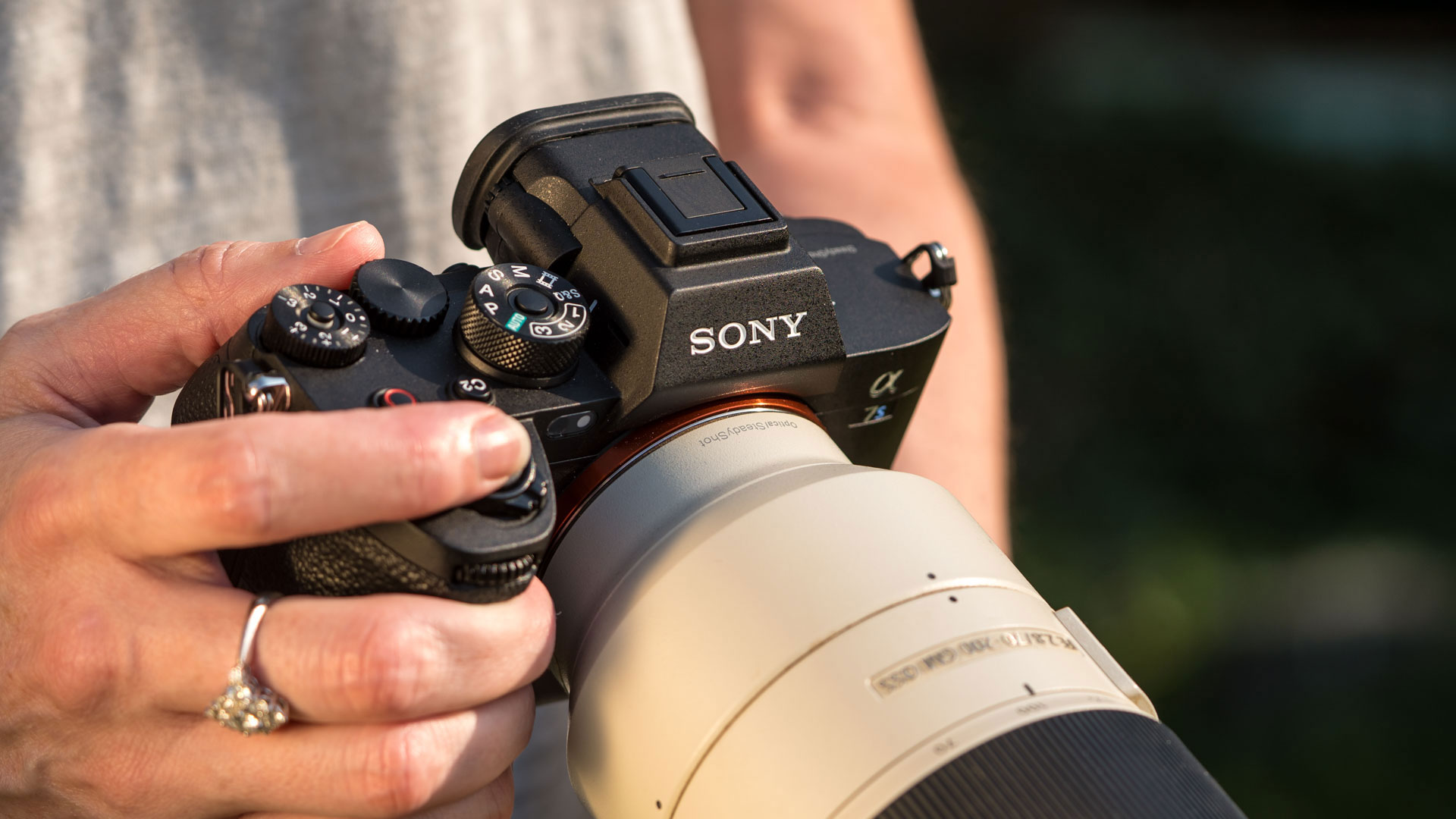
How do camcorders compare to other types of cameras for slow motion? Many people use smartphones, DSLRs, or mirrorless cameras. Here’s a comparison:
| Device | Max Frame Rate | Ease of Use | Quality at High fps |
|---|---|---|---|
| Camcorder | Up to 960 fps (pro models) | High (dedicated controls) | Good (depends on model) |
| DSLR/Mirrorless | Up to 240 fps (some models) | Medium (more manual settings) | Very good (especially at 120 fps) |
| Smartphone | Up to 960 fps (software enhanced) | Very easy | Varies (often lower true quality) |
Smartphones often use software tricks to “fake” higher frame rates. True high-speed recording on a camcorder or dedicated camera gives more consistent results.
Common Mistakes When Shooting Slow Motion
Many beginners make these mistakes when trying slow motion:
- Not enough light. High fps and fast shutter speeds need lots of light. Use daylight or strong artificial lights.
- Wrong shutter speed. Too slow a shutter makes motion blurry. Always use a shutter speed at least twice your frame rate.
- Forgetting memory cards fill fast. Bring extra cards or use high-capacity ones.
- Ignoring editing needs. Some camcorders save slow-motion clips at normal speed. You must slow them down in editing.
- Shaky footage. Slow motion shows camera shake more clearly. Use a tripod or stabilizer.
Popular Camcorders That Shoot Slow Motion
Here are some camcorders known for their slow-motion features:
- Sony FDR-AX700: Up to 120 fps in HD. Good manual controls.
- Panasonic HC-VX1: Records up to 120 fps in Full HD. Affordable.
- Canon XA50: Shoots 120 fps in HD. Professional quality.
- Sony PXW-Z90: Up to 960 fps with burst mode (lower resolution). For advanced users.
- JVC GY-HM250: 120 fps in Full HD. Good for sports and events.
These models offer good slow-motion features, but always check the official specs for frame rates and resolutions.
Editing Slow Motion Footage
Shooting is only part of the process. Editing software lets you adjust playback speed and smoothness. Programs like Adobe Premiere Pro, Final Cut Pro, or free options like DaVinci Resolve work well.
- Import your high-frame-rate clip.
- Set playback speed (e.g., slow to 25% for 120 fps shot at 30 fps timeline).
- Add stabilization or color correction if needed.
- Export at your normal frame rate (usually 30 fps).
Pro tip: Some editing programs offer “optical flow” or “frame blending” to make slow motion even smoother.
When Should You Use Slow Motion?
Slow motion isn’t for everything. It works best when you want to highlight fast action or emotional moments. Some good uses:
- Sports: See every detail of a goal, dunk, or trick.
- Nature: Capture birds, insects, or weather in detail.
- Events: Show dramatic moments at weddings or parties.
- Tutorials: Make steps easier to follow.
But if you use slow motion too much, your video can feel boring or forced. Use it to add impact, not just as a gimmick.
Real-world Example
At the 2016 Olympics, broadcasters used cameras capable of 1,000 fps to show athletes’ movements in detail. This helped fans and coaches see things impossible to catch with the naked eye. While consumer camcorders can’t match this level, you can create impressive results with the right settings and lighting.
The Future Of Slow Motion In Camcorders
Technology improves every year. More affordable camcorders are starting to offer higher frame rates at better quality. 4K slow motion is becoming common in higher-end models, and even some smartphones are catching up.
But for now, if you want the best slow motion, a dedicated camcorder with true high-frame-rate recording is a strong choice. Always check the specs, understand your lighting needs, and use editing software to get the best results.
For further reading on frame rates and video technology, see the Wikipedia: High-speed photography page.

Frequently Asked Questions
Can All Camcorders Shoot Slow Motion?
No. Only some camcorders offer high-frame-rate recording needed for real slow motion. Most consumer models are limited to 60 fps, which gives only slight slow motion. Check your camcorder’s manual or specs to see if it has a slow-motion or high-frame-rate mode.
What Frame Rate Is Best For Smooth Slow Motion?
For smooth slow motion, 120 fps or higher is recommended. If your camcorder only shoots up to 60 fps, the effect will be less dramatic. Higher frame rates (240 fps, 480 fps, or more) give even smoother, slower results.
Does Slow Motion Lower Video Quality?
Often, yes. Many camcorders reduce resolution or video quality at high frame rates. For example, you may only get 720p video at 240 fps. Some professional camcorders keep high quality at high fps, but most affordable models do not.
Can I Create Slow Motion In Editing If My Camcorder Only Shoots 30 Fps?
You can slow down 30 fps video in editing, but the results won’t be smooth. The software “guesses” missing frames, which can cause stutter or blur. True slow motion is best captured in-camera at a high frame rate.
What Lighting Do I Need For Slow Motion Shooting?
Bright lighting is important. High frame rates and fast shutter speeds need more light than normal video. Outdoor sunlight is best, but strong studio lights also work. Avoid dark rooms—your footage will be grainy or underexposed.
Final Thoughts
Slow motion is a powerful tool for storytelling and creativity. Many camcorders can shoot slow motion, but you need to check frame rates, resolution, and lighting. The best results come from planning your shot, using the right settings, and editing carefully.
Don’t be afraid to experiment—capture the world in a way most people never see. With practice and the right camcorder, slow motion can turn simple moments into something unforgettable.

