
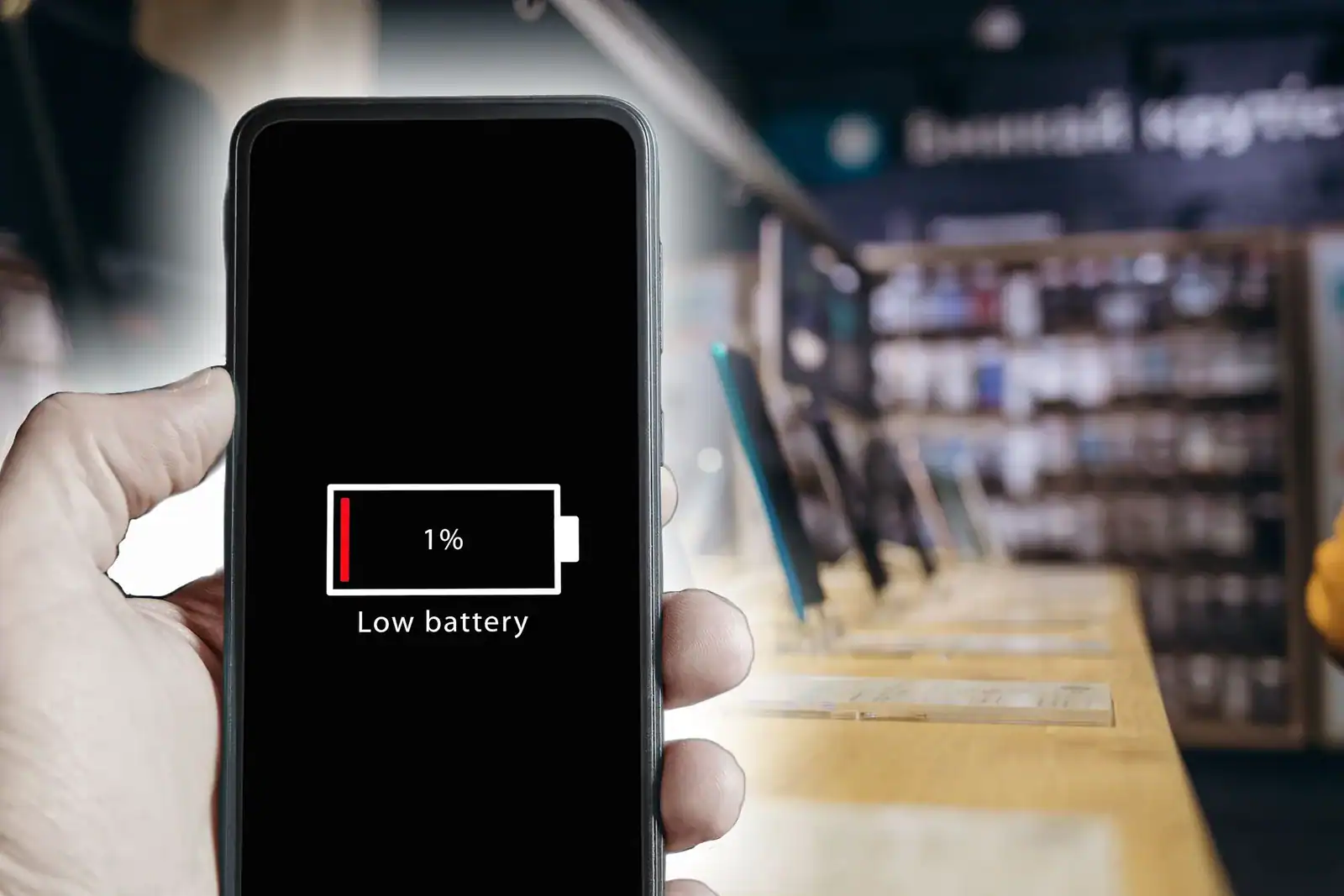
Your camera battery is likely draining quickly due to a combination of high-demand internal settings, aging chemical components, or external environmental factors that force the hardware to work harder than necessary. When a battery loses its charge rapidly, it’s rarely due to a single catastrophic failure; instead, it’s usually a cumulative effect of how the camera is configured and maintained. By addressing these specific variables, you can significantly extend your shooting time and restore the reliability of your equipment during long sessions in the field.
Key Takeaways
- Disable unnecessary features like GPS, Wi-Fi, and Bluetooth when not actively transferring files.
- Lower your LCD screen brightness and set a shorter auto-off timer to conserve power.
- Avoid storing batteries in extreme heat or cold, as temperature fluctuations degrade chemical capacity.
- Use high-quality, manufacturer-certified batteries to ensure consistent voltage delivery and safety.
- Remove the battery from the camera body when storing it for extended periods to prevent phantom drain.
Why Is My Camera Battery Draining?
The primary reason for rapid power loss is often the “always-on” nature of modern digital features. Mirrorless cameras, in particular, rely heavily on electronic viewfinders and continuous autofocus systems, which demand a constant stream of energy. If your camera is constantly searching for focus or keeping a high-resolution display active, the power draw increases significantly.
Beyond settings, the physical age of the lithium-ion cell plays a role. As a battery undergoes hundreds of charge cycles, its ability to hold a charge diminishes, eventually leading to a noticeable drop in performance compared to when the unit was brand new.
How Temperature Impacts Battery Chemistry
Lithium-ion batteries rely on electrochemical reactions to produce electricity, and these reactions are highly sensitive to ambient temperature. When the environment is too cold, the internal resistance of the battery rises, which can cause the camera to report a low battery status even when there’s technically energy remaining.
Conversely, extreme heat causes internal degradation and can permanently shorten the lifespan of the cell. According to the official battery safety guidelines from the U.S. Consumer Product Safety Commission, keeping batteries within recommended temperature ranges is essential for both performance and fire prevention.
Settings That Drain Power Quickly
Certain camera functions are notorious for consuming energy at an accelerated rate. You should audit your menu settings if you notice your battery indicator dropping after only a few dozen shots.
| Feature | Impact on Power | Recommended Action |
|---|---|---|
| Wi-Fi/Bluetooth | High | Disable when not transferring |
| LCD Brightness | Medium-High | Reduce by 1-2 stops |
| Continuous Autofocus | High | Use single-point focus |
| Image Stabilization | Medium | Turn off when using a tripod |
| GPS Tagging | High | Switch off when stationary |
Managing Your Camera’s Power Consumption
To maximize your battery life, start by streamlining your workflow. If you’re shooting a landscape, you likely don’t need continuous autofocus or image stabilization, both of which keep motors running inside your lens and camera body.
By switching to manual focus and disabling stabilization, you reduce the mechanical load on the battery. Additionally, consider the “Auto Power Off” setting. Setting your camera to sleep after 30 seconds of inactivity rather than two minutes can save a substantial amount of energy over the course of a long day.
Pro Tip: Always carry at least one spare battery in a dedicated, insulated case to protect the terminals from shorting against loose change or keys in your camera bag.
Signs of a Failing Battery
It’s important to distinguish between a camera setting issue and a dying battery. If your battery level jumps from 50% to 10% suddenly, this is a classic indicator of a failing cell.
Other signs include the battery feeling warm to the touch even when the camera is idle, or the camera failing to turn on at all despite a full charge cycle. If you notice these behaviors, the internal chemistry of the battery has likely reached the end of its useful life, and it should be safely recycled.
Troubleshooting Your Power Issues
If you suspect your battery is failing, follow these diagnostic steps to narrow down the cause:
- Clean the metal contacts on the battery and inside the camera with a dry, microfiber cloth to remove oxidation.
- Test a different, known-good battery in your camera to see if the rapid drain persists.
- Update your camera firmware, as manufacturers often release patches that optimize power management.
- Check your battery charger to ensure it’s providing the correct voltage and not overheating during the cycle.
Warning: Never attempt to disassemble or puncture a swollen battery, as this can release toxic chemicals and pose a significant fire risk; dispose of damaged batteries at an authorized recycling center.
Optimal Charging and Storage Habits
How you treat your battery when you aren’t shooting is just as important as how you use it. Avoid “topping off” your battery constantly if you aren’t planning to shoot, as lithium-ion batteries prefer to be stored at a partial charge rather than 100% or 0% for long durations.
If you’re planning to store your camera for more than a month, charge the battery to about 50% and remove it from the camera. Leaving a battery in a camera for months can lead to a slow, parasitic drain that can eventually damage the cell beyond recovery.
Comparison of Battery Maintenance Methods
| Method | Benefit | Frequency |
|---|---|---|
| Firmware Updates | Improves efficiency | Check quarterly |
| Contact Cleaning | Ensures steady current | Monthly |
| Proper Storage | Prevents chemical wear | Long-term downtime |
| Full Discharge | Recalibrates sensor | Once a year |
Environmental Factors and Shooting Habits

The way you handle your camera in the field can dictate how long your power lasts. Shooting in “burst” mode for extended periods is extremely demanding on the processor and the battery. If you’re recording 4K video, the camera will naturally generate more heat and consume power faster than when shooting still images.
To mitigate this, consider taking breaks between clips or using an external power bank if your camera supports USB-C Power Delivery. This allows you to bypass the internal battery for longer studio sessions or time-lapse projects.
Pro Tip: If you’re shooting in freezing temperatures, keep your spare batteries in an inside pocket of your jacket, close to your body heat, to keep them within their optimal operating range.
Frequently Asked Questions
Is it normal for my camera to drain battery while turned off?
Some power draw is normal due to internal clocks and memory settings, but it should be negligible. If your battery is dead after a few days of non-use, there may be a “parasitic drain” caused by a malfunctioning component or a short circuit in the camera body. Always remove the battery if you don’t plan to use the camera for more than a week.
Do third-party batteries drain faster than official ones?
Often, yes. Third-party batteries may use lower-quality cells or have less accurate internal circuitry for reporting battery status to the camera. This can lead to the camera incorrectly estimating the remaining charge or failing to manage power efficiency as effectively as the original manufacturer’s battery. For critical shoots, it’s generally safer to rely on original equipment manufacturer batteries.
How many years should a camera battery last?
Most lithium-ion camera batteries are designed to maintain their peak performance for about 300 to 500 full charge cycles. Depending on your usage, this usually equates to three to five years of regular use. After this point, you’ll likely notice a significant reduction in total runtime, even if the battery still charges to 100% capacity according to your charger.
Can a memory card cause battery drain?
While rare, a faulty memory card can occasionally cause battery drain. If the camera is struggling to write data due to a corrupt file system or a failing card, the processor may enter a continuous loop of trying to access the storage. If you suspect this, try formatting the card in-camera or testing with a different, high-speed memory card to see if the drain stops.
Does turning off image stabilization save battery?
Yes, turning off optical image stabilization (OIS) or in-body image stabilization (IBIS) can save a noticeable amount of power. These systems use electromagnetic actuators to move elements in the lens or the sensor itself. When active, they’re constantly adjusting to compensate for your micro-movements, which requires active power consumption. When using a tripod, you should always deactivate stabilization to conserve energy.
Conclusion
Start by fully charging your current battery and testing the camera with all wireless features disabled and the LCD brightness reduced. If the rapid drainage continues despite these adjustments, try using a different battery to rule out a hardware failure. If the issue persists with a fresh battery, consult a professional technician to inspect your camera’s internal power delivery system for potential faults.


1 Comment
Pingback: Why Is My Action Camera Not Recording? Simple